Brother Business Color Laser All-in-One Printer: Features, Benefits, Best Models, and Buying Guide
A brother business color laser all-in-one printer can be a practical choice for offices, small businesses, home offices, and professional workgroups that need reliable document printing and convenient scanning and copying. These multifunction printers are designed to handle everyday business documents, including reports, invoices, presentations, contracts, forms, and marketing materials.
Brother offers several color laser and LED multifunction printers with different printing speeds, connectivity options, paper capacities, and scanning capabilities. Depending on the model, businesses can also benefit from automatic two-sided printing, document feeders, fax functionality, and wireless printing from compatible devices.
Choosing the right printer involves more than comparing the purchase price. Businesses should also consider toner costs, monthly print volume, document handling, network connectivity, and long-term maintenance.
This guide explains the main features, benefits, available models, and important buying considerations to help you select a suitable Brother business printer.
What Is a Brother Business Color Laser All-in-One Printer?
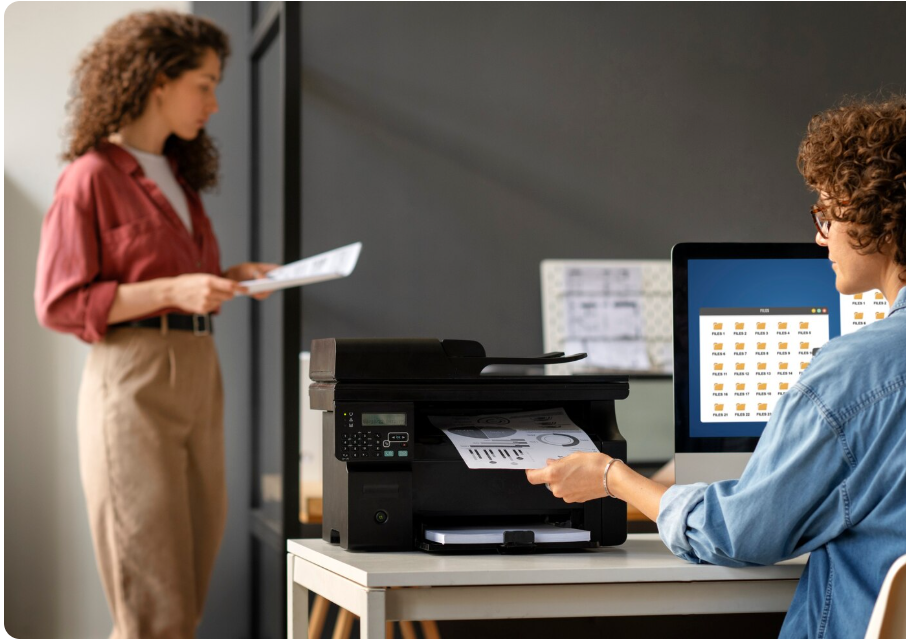
A Brother business color laser all-in-one printer is a multifunction office device that combines several document-handling features in one machine. Depending on the model, it can print in color and black and white, scan documents, make copies, and send or receive faxes.
Laser and LED printing technologies use toner rather than liquid ink. These printers are commonly used for business documents because they can produce sharp text, consistent graphics, and professional-looking reports.
Brother’s color multifunction range includes models designed for small offices as well as higher-volume business environments. Specifications and available features differ between product families and regional versions.
Main Functions of an All-in-One Printer
The main functions generally include:
- Color printing: Produces charts, presentations, branded documents, and other color materials.
- Black-and-white printing: Handles everyday text documents and office paperwork.
- Scanning: Converts paper documents into digital files.
- Copying: Creates duplicate documents without requiring a separate machine.
- Faxing: Available on selected multifunction models.
- Wireless printing: Allows compatible computers and mobile devices to send print jobs over supported connections.
- Automatic duplex printing: Prints on both sides of a sheet without requiring manual page flipping, where supported.
Before buying, confirm which functions are included in the exact model number you are considering.
Best Brother Business Color Laser All-in-One Printer Models to Consider

Brother offers different multifunction models for businesses with varying document workloads. The best option depends on your budget, printing volume, scanning requirements, and preferred connectivity.
<text color=”secondary” size=”sm”>Model availability and specifications can vary by country. Check the official regional product listing before purchasing.</text>
1. Brother MFC-L3760CDW
<AsyncImage query=”Brother MFC-L3760CDW color LED multifunction printer product photo” aspectRatio=”5:4″ width=”100%” />
The Brother MFC-L3760CDW is a color multifunction printer to consider for small offices and home-based businesses that need printing, scanning, and copying in one device.
Depending on the regional configuration, its feature set includes wireless connectivity and automatic two-sided printing. It may suit businesses that prepare regular office documents and want to avoid using separate machines for different tasks.
Best for: Small offices, consultants, and businesses with regular document needs.
2. Brother MFC-L3780CDW
<AsyncImage query=”Brother MFC-L3780CDW wireless digital color all in one printer product image” aspectRatio=”5:4″ width=”100%” />
The Brother MFC-L3780CDW is a business-oriented color multifunction model with printing, scanning, copying, and faxing capabilities in supported configurations. It offers features intended to support everyday office productivity, including automatic two-sided printing and document-handling tools.
It is worth considering when a business needs a combination of color output, document scanning, and network connectivity.
Best for: Small and medium-sized offices that regularly handle mixed paper and digital workflows.
3. Brother MFC-L8390CDW
<AsyncImage query=”Brother MFC-L8390CDW A4 color LED multifunction printer product image” aspectRatio=”5:4″ width=”100%” />
The Brother MFC-L8390CDW is a professional color multifunction printer aimed at business environments that need efficient document handling and flexible connectivity.
It may be suitable for workgroups that print business reports, customer documents, presentations, and other professional materials throughout the working day. Check the regional specifications for its printing speed, scanning features, and supported network options.
Best for: Growing businesses and professional teams with more demanding document workflows.
For official specifications, use Brother’s India printer catalog or the appropriate Brother website for your country.
Key Features to Look for in a Brother Color Laser Printer
Not every printer includes the same functions. Understanding the main specifications can help you avoid paying for features your business does not need.
Print Speed and Monthly Workload
Print speed is usually measured in pages per minute (ppm). A higher speed can help reduce waiting time when several employees need documents at once.
However, advertised speeds are measured under specified test conditions. Actual results may vary depending on document complexity, color coverage, connection type, and printer settings.
When choosing a printer, consider how many pages your business typically prints each month and whether multiple employees will share the device.
Print Quality
Business color laser printers are useful for producing clear text, charts, tables, and graphics.
For everyday office use, prioritize readable text and consistent output. If your business produces detailed photographic materials or premium marketing images, compare sample output and consider whether a dedicated photo printer would be more suitable.
Automatic Two-Sided Printing
Automatic duplex printing places content on both sides of the paper without requiring you to turn pages manually.
This feature can help businesses reduce paper use and simplify printing of lengthy reports, manuals, and internal documents.
Remember that automatic duplex printing does not necessarily mean the scanner can scan both sides automatically. Check the document feeder and scanning specifications separately.
Automatic Document Feeder
An automatic document feeder (ADF) allows you to load multiple sheets for scanning or copying rather than placing each page on the scanner glass individually.
Selected models offer automatic two-sided scanning, which can be particularly useful for contracts, application forms, and multi-page business records.
Wireless and Network Connectivity
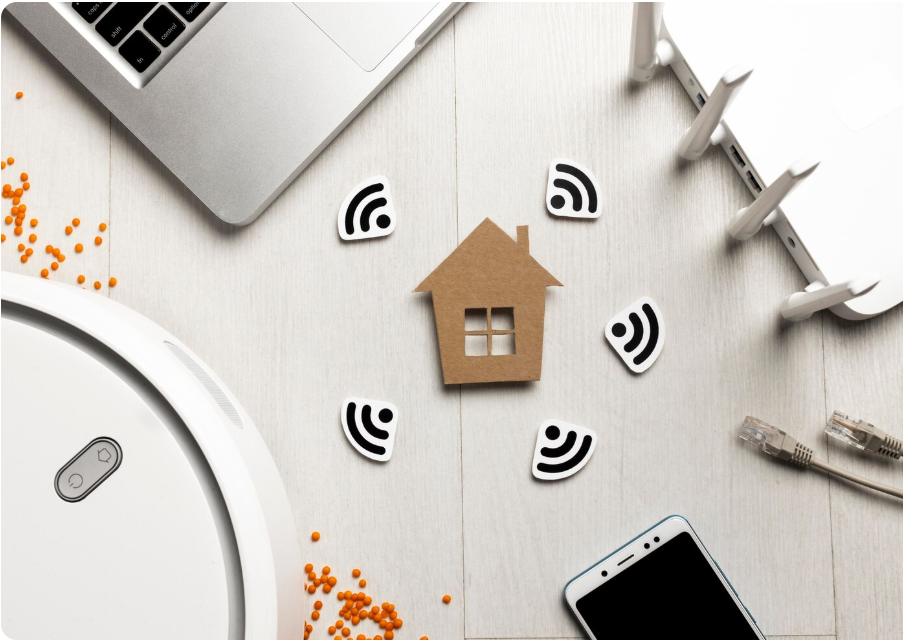
Connectivity determines how easily employees can print and scan documents.
Depending on the model, available connections may include:
- Wi-Fi for supported wireless networks.
- Ethernet for wired office networks.
- USB for direct computer connections.
- Compatible mobile printing options.
- Network scanning and shared office workflows.
Businesses with multiple employees should consider a network-connected printer that fits their existing IT setup.
Brother Business Color Laser All-in-One Printer Comparison
The following table summarizes the main selection factors to compare when choosing a model.
| Feature | Why it matters | What to check |
|---|---|---|
| Color printing | Creates professional business documents | Color quality and toner costs |
| Print speed | Helps manage busy workloads | Pages per minute |
| Automatic duplex | Reduces manual page handling | Supported paper sizes and settings |
| ADF | Simplifies multi-page scanning | Feeder capacity |
| Duplex scanning | Helps digitize double-sided documents | Whether scanning both sides is automatic |
| Wireless connectivity | Supports flexible office printing | Wi-Fi and mobile compatibility |
| Ethernet | Supports shared office networks | Network compatibility |
| Fax | Useful for businesses that still need faxing | Whether the model includes fax functionality |
| Paper capacity | Reduces the need for frequent refilling | Standard and optional tray capacity |
Always compare full model numbers rather than relying on a product family name alone.
Benefits of Using a Brother Business Color Laser Printer
1. Multiple Functions in One Device
An all-in-one printer combines several document-handling tasks into one machine. This can save desk space and reduce the need to purchase separate printers, scanners, and copiers.
For a small office, consolidating these functions may also simplify daily document management.
2. Professional-Looking Business Documents
Color laser printing is useful for reports, charts, proposals, presentations, and customer-facing documents.
Clear text and consistent color output can help businesses maintain a professional appearance in everyday communications.
3. Convenient Office Workflows
Wireless networking, document feeders, and scanning features on supported models can make common tasks more convenient.
For example, an employee may scan a multi-page document into a digital format rather than manually photographing or scanning each page.
4. Useful for Different Business Types
A multifunction color printer can support a wide range of professional activities.
| Business type | Typical printing needs |
|---|---|
| Small office | Reports, letters, forms, and invoices |
| Consulting firm | Proposals, presentations, and client records |
| Retail business | Notices, price lists, and promotional materials |
| Educational organization | Worksheets, administrative documents, and handouts |
| Real estate office | Property documents, presentations, and brochures |
| Home-based business | Contracts, correspondence, and business records |
The ideal printer depends on how frequently each business prints and scans documents.
5. Toner-Based Printing
Laser printers use toner cartridges rather than liquid ink cartridges. Toner-based printing can be attractive for offices that want sharp text and consistent document output.
However, total running costs depend on toner prices, cartridge yield, color usage, replacement parts, and print volume. A laser printer is not automatically the cheapest choice for every business.
How Much Does a Brother Business Color Laser All-in-One Printer Cost?
The purchase price depends on the model, regional availability, included accessories, seller, and current promotions. Entry-level multifunction models generally offer fewer advanced business features than models intended for heavier workloads.
Rather than relying on a single price estimate, compare current quotes for the exact model available in your country.
Costs to Consider Before Buying
Initial purchase price: The upfront cost of the printer itself.
Replacement toner: Color laser printers generally use black, cyan, magenta, and yellow toner supplies. Replacement costs vary by model and cartridge capacity.
Drum and maintenance components: Some models have separate drum units or other replaceable components.
Paper: Different paper weights and finishes can affect ongoing operating costs.
Electricity: Energy use depends on the printer, usage patterns, and sleep settings.
Service and support: Warranty coverage, authorized repair options, and the availability of replacement parts can affect long-term ownership costs.
How to Estimate Your Printing Cost
A useful comparison is the cost per printed page.
A simplified calculation is:
Cost per page = toner cost ÷ estimated pages printed
For example, if a cartridge costs ₹6,000 and has a rated yield of 3,000 pages, the simple toner cost is ₹2 per page.
This is an illustrative calculation, not a quote for a specific Brother cartridge. Actual costs may be higher when color toner, paper, maintenance components, and differences between rated and real-world page coverage are included.
For color documents, estimate black and color supply usage separately whenever possible.
How to Choose the Right Brother Printer for Your Business
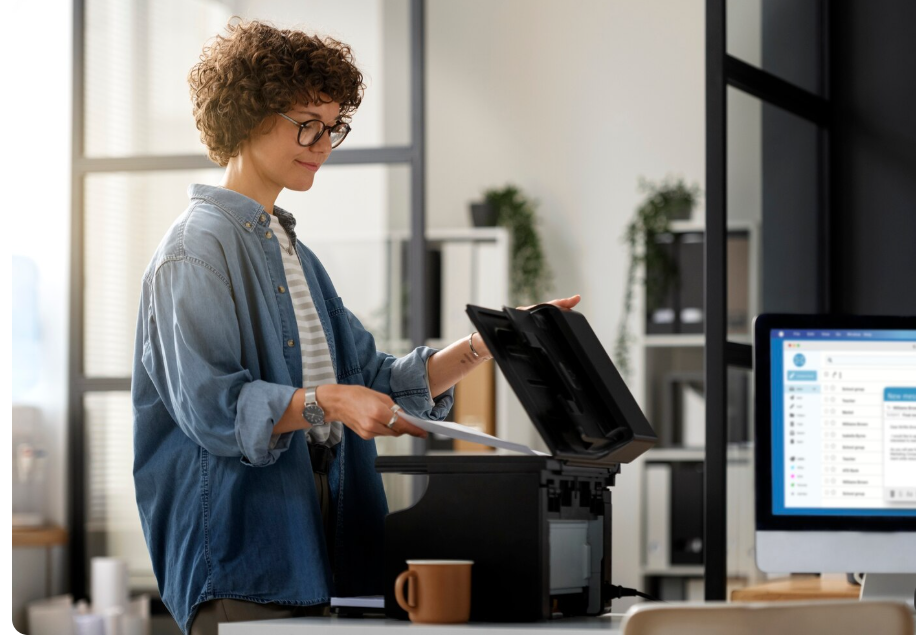
Step 1: Calculate Your Monthly Print Volume
Estimate how many pages your business prints in a typical month. Include reports, invoices, contracts, presentations, and other recurring documents.
A low-volume home office may not need the same equipment as a company with several employees printing throughout the day.
Step 2: Decide Which Functions You Need
If you only need printing, a single-function printer may be sufficient. If your business regularly copies and scans documents, an all-in-one model is more practical.
Choose fax functionality only if it is relevant to your workflow.
Step 3: Compare Toner Costs
Check the cost and rated yield of replacement cartridges before purchasing. A lower-priced printer may have higher ongoing supply costs, so consider total ownership costs rather than just the initial price.
Step 4: Review Scanning Requirements
If you scan multi-page documents regularly, look for an ADF. If your documents contain information on both sides, confirm whether the model supports automatic duplex scanning.
Step 5: Check Connectivity and Compatibility
Make sure the printer supports your computers, operating systems, office network, and mobile devices.
For a shared office printer, wired Ethernet or supported Wi-Fi networking may be particularly useful.
Step 6: Verify Local Warranty and Supplies
Buy from a reputable seller and confirm warranty terms, authorized service availability, and the supply of compatible genuine toner and maintenance parts in your region.
Brother Color Laser Printer vs. Inkjet Printer
Laser and inkjet printers serve different needs. The best option depends on the type of material you print, how often you use the printer, and your budget.
| Comparison factor | Color laser printer | Inkjet printer |
|---|---|---|
| Printing technology | Toner-based | Liquid ink |
| Typical strength | Business documents and sharp text | Broad range of document and photo printing |
| Long periods without printing | Often avoids ink-drying concerns | Ink maintenance may be needed |
| Photo printing | Depends on the model; not always ideal for photographs | Many models are designed for photo-capable output |
| Running cost | Depends on toner yield and replacement parts | Depends on ink system, cartridge or tank costs, and usage |
| Best choice | Frequent office documents and business workflows | Home, photo, and other suitable print workloads |
Neither technology is universally better. Compare the type of documents you produce and the total cost of ownership before deciding.
Maintenance Tips for a Brother Business Color Laser Printer
Regular maintenance can help keep your printer operating reliably.
- Use suitable paper: Follow the manufacturer’s recommendations for paper size and weight.
- Replace supplies correctly: Use compatible genuine supplies where appropriate and follow the model’s instructions.
- Keep firmware and drivers updated: Install official updates when relevant to security, compatibility, or performance.
- Clean according to the manual: Follow Brother’s model-specific instructions rather than using unapproved cleaning products.
- Keep the ventilation area clear: Allow adequate space around the printer.
- Monitor print quality: Address streaks, color problems, or repeated paper jams promptly.
- Use a secure network: Apply appropriate Wi-Fi security and keep printer access limited to authorized users.
- Check the warranty: Use authorized service when required by the warranty terms.
If a warning appears on the printer’s display, consult the official manual for the exact model before replacing components or resetting settings.
Frequently Asked Questions
1. What is a Brother business color laser all-in-one printer?
It is a multifunction printer that uses color laser or LED printing technology and combines functions such as printing, scanning, and copying. Selected models also include faxing, wireless connectivity, and automatic two-sided printing.
2. Which Brother color laser all-in-one printer is best for a small business?
The best model depends on your monthly print volume, budget, scanning requirements, and connectivity needs. Models such as the MFC-L3760CDW, MFC-L3780CDW, and MFC-L8390CDW are worth comparing, subject to local availability and specifications.
3. Does a Brother color laser printer print in black and white?
Yes. Color laser printers can generally print black-and-white documents as well as color documents. Check the model’s settings and toner requirements to understand how monochrome printing is handled.
4. Are Brother color laser printers expensive to maintain?
Maintenance costs vary by model and usage. Consider replacement toner, drum units where applicable, paper, electricity, and servicing. Checking cartridge yields and local supply prices before buying can help estimate long-term expenses.
5. Can I print wirelessly from a phone using a Brother all-in-one printer?
Many Brother multifunction models support wireless and mobile printing, but compatibility depends on the model, device, application, and network setup. Check the manufacturer’s specifications for supported mobile printing options.