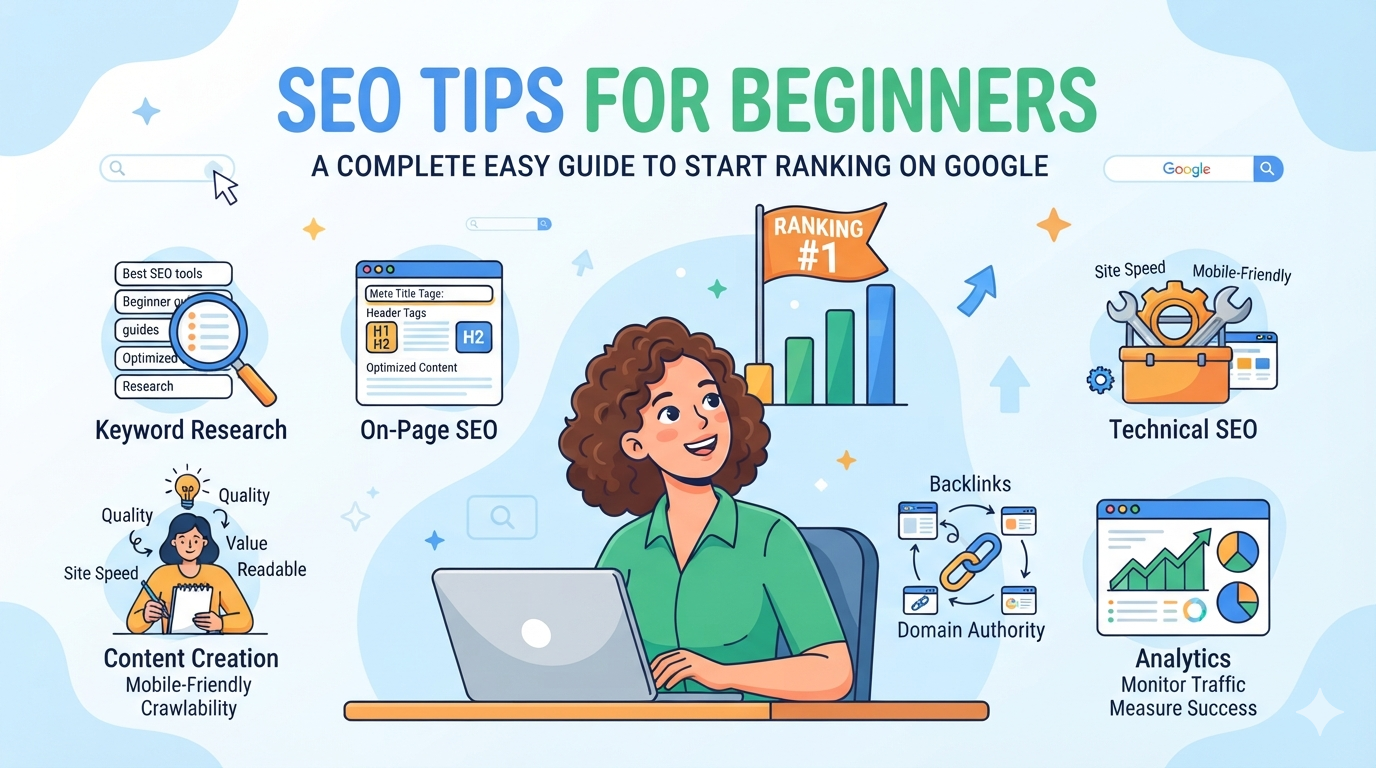
SEO Tips for Beginners – A Complete Easy Guide to Start Ranking on Google
SEO (Search Engine Optimization) is the process of improving a website so it appears higher on search engines like Google. For beginners, SEO may look complicated, but it becomes simple once you understand the basics. The main goal of SEO is to bring free organic traffic by helping search engines understand your content better. Whether you are running a blog, business website, or affiliate page, SEO can help you grow visibility without paying for ads. This guide explains practical SEO tips for beginners in a simple way so you can start optimizing your website and improve your rankings step by step.
What is SEO and Why It Matters
Understanding SEO in Simple Words
SEO means making your website easy for search engines to:
- Find your content
- Understand your topic
- Rank your pages higher
Search engines like Google use algorithms to decide which pages appear first.
Why SEO is Important
SEO helps you:
- Get free organic traffic
- Increase website visibility
- Build trust and authority
- Grow long-term audience
- Improve business sales or blog reach
Unlike ads, SEO continues to bring traffic over time.
Basic SEO Tips for Beginners
1. Do Proper Keyword Research
Keywords are the foundation of SEO. You should:
- Find what people are searching for
- Use tools like Google Keyword Planner, Ubersuggest, or Ahrefs
- Choose low competition + high search intent keywords
Example: Instead of targeting “shoes”, try “best running shoes for beginners”
2. Write High-Quality Content
Google ranks content that is:
- Helpful
- Original
- Easy to read
- Well structured
Focus on solving user problems instead of just adding keywords.
3. Use Keywords Naturally
Place your keywords in:
- Title
- First paragraph
- Headings
- Meta description
- URL
But avoid keyword stuffing. Keep it natural.
4. Optimize Page Titles and Meta Descriptions
Your title should:
- Be under 60 characters
- Include main keyword
- Be attractive for clicks
Your meta description should:
- Be 150–160 characters
- Summarize the page clearly
5. Improve Website Structure
A clean structure helps Google understand your site:
- Use proper headings (H1, H2, H3)
- Keep URLs short and readable
- Use internal linking between pages
On-Page SEO Tips
6. Use Proper Headings
Headings help both users and search engines:
- H1 → Main title
- H2 → Main sections
- H3 → Subsections
7. Optimize Images
Always:
- Compress images for speed
- Add alt text with keywords
- Use relevant images only
8. Improve Page Speed
Fast websites rank better:
- Use lightweight themes
- Compress images
- Use caching plugins
Off-Page SEO Tips
9. Build Backlinks
Backlinks are links from other websites to yours. They help:
- Increase authority
- Improve ranking
- Build trust
You can get backlinks through:
- Guest posting
- Blog outreach
- Social sharing
10. Use Social Media
Sharing your content on:
can increase traffic and visibility.
Technical SEO Basics
11. Make Your Website Mobile Friendly
Most users browse on mobile, so your site should:
- Load properly on all devices
- Be easy to navigate
- Have readable text
12. Use HTTPS Security
Secure websites (https) rank better and build trust.
13. Submit Sitemap to Google
A sitemap helps Google understand your site structure and index pages faster.
Common SEO Mistakes to Avoid
- Keyword stuffing
- Copy-paste content
- Ignoring mobile optimization
- Slow website speed
- Not using meta descriptions
Avoiding these mistakes improves ranking chances.
Final Thoughts
SEO is not a one-time task; it is a long-term process. For beginners, the key is to start simple—focus on quality content, proper keywords, and basic optimization. Over time, as you learn more, you can move into advanced SEO strategies like link building and technical SEO. Consistency is the most important factor. If you apply these SEO tips regularly, your website will gradually gain better visibility, traffic, and ranking on search engines like Google.
FAQs
1. What is SEO for beginners?
SEO is the process of improving a website to rank higher on search engines and get organic traffic.
2. How long does SEO take to show results?
Usually 3–6 months depending on competition and content quality.
3. Is SEO free?
Yes, SEO is free, but it requires time and effort instead of money.
4. Do beginners need technical SEO?
Basic technical SEO like speed, mobile optimization, and sitemap is enough to start.
5. Can I do SEO without coding?
Yes, most SEO can be done without coding using tools and CMS platforms like WordPress.